
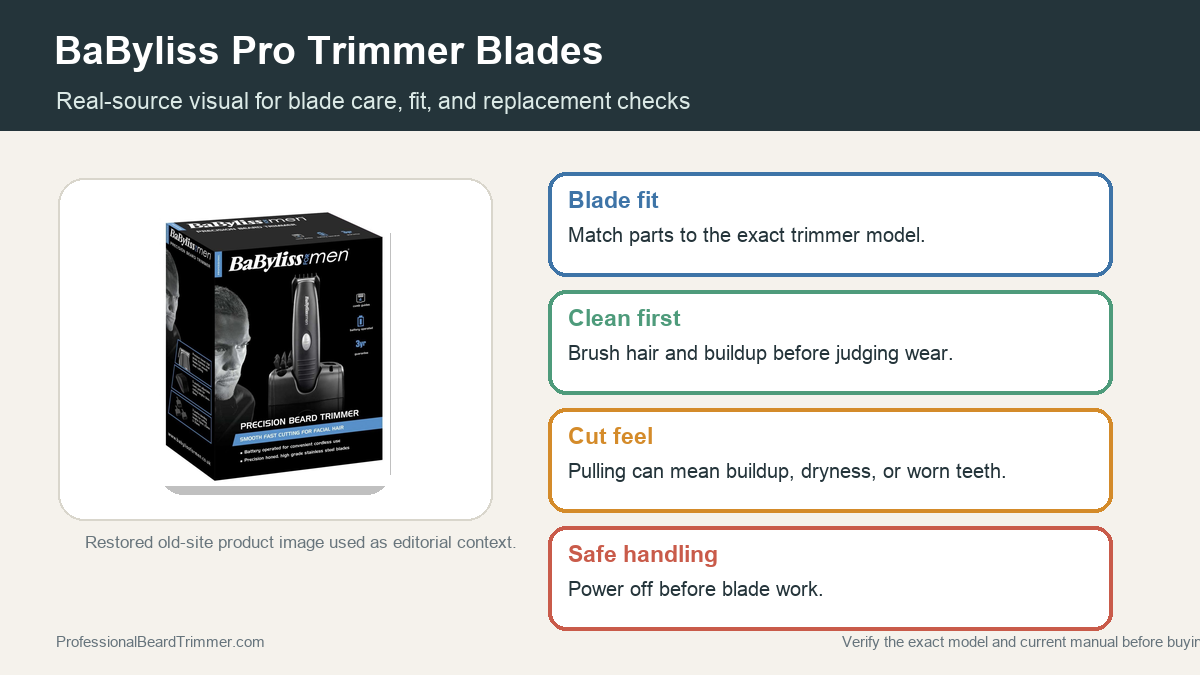
Disclosure: This site may use affiliate links. Product specifications should be checked against manufacturer or retailer pages before purchase.
Editorial update, June 19, 2026: This recovered page was rebuilt around blade fit and maintenance using a restored real product image. It does not claim hands-on lab testing or current manufacturer specifications.
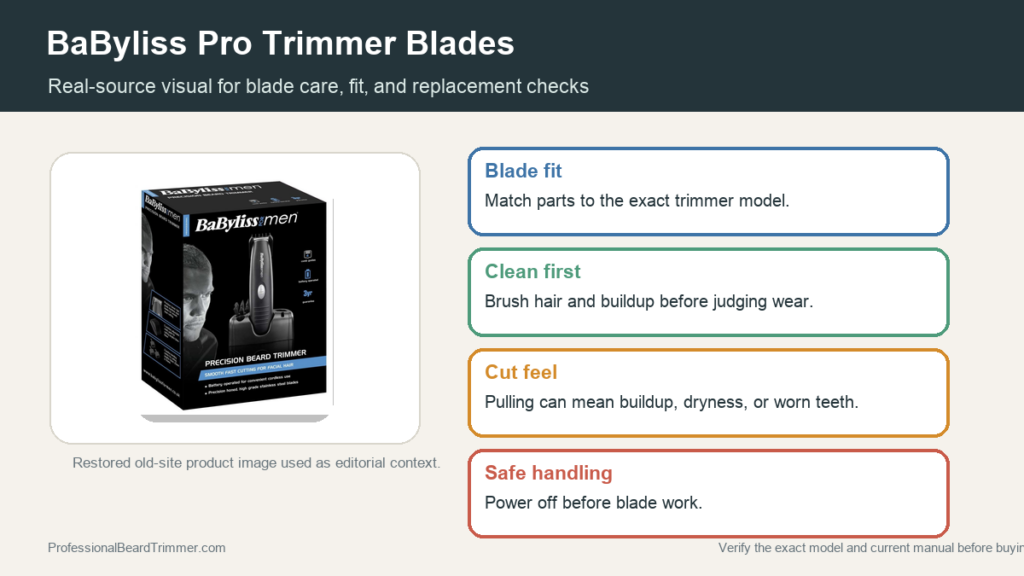
Image note: The visual is a source-based editorial adaptation from restored site media. It supports identification context, not a claim that the blade was newly tested.
Direct answer: BaByliss Pro trimmer blade decisions should start with the exact model code, then blade condition, guard fit, and cleaning habits. If the blade pulls after brushing and manual-approved oiling, check the part number and tool family before ordering a replacement.
BaByliss Pro blade decision checks
| Check | What to do | Why it matters |
|---|---|---|
| Model code | Find the code on the tool or manual before selecting a blade | Blade parts can vary by tool family |
| Blade teeth | Inspect for bent, chipped, or clogged teeth | Visible damage can cause pulling or rough passes |
| Guard fit | Check that guards lock on without wobble | Poor fit can change length control |
| Care method | Brush and oil only as the manual allows | Incorrect cleaning can damage the cutter |
| Service limit | Stop if heat, noise, or pulling continues | The blade or tool may need replacement or service |
How to check a BaByliss Pro trimmer blade
- Identify the model. Use the tool label or manual instead of relying on a broad product name.
- Brush the blade teeth. Remove trapped hair from the teeth and the area behind the blade.
- Check guard seating. Attach each guard and confirm it sits flat before trimming.
- Oil only as directed. Apply clipper oil lightly when the manual calls for it.
- Match the part number. Confirm the blade part number for the exact tool before buying replacements.
Blade and part-fit checklist
- Exact model code: Needed before choosing blade parts or guards.
- Clean blade channel: Prevents trapped hair from affecting cutter movement.
- Stable guard lock: Helps keep length control consistent.
- Persistent pulling: A sign to inspect blade wear, damage, or fit.
For related reference pages, compare the BaByliss guard guide, the blade sharpening guide, and the ceramic blade comparison.
Frequently asked questions
How do I know which BaByliss Pro blade fits?
Use the exact model code and current part guidance. Similar product names can use different blade assemblies or attachment systems.
Should I replace a blade before cleaning it?
No. Brush out trapped hair and oil as directed first. Buildup can make a working blade feel worn.
What signs point to a blade problem?
Pulling, rough sound, excess heat, visible tooth damage, or uneven cutting after cleaning can justify closer inspection.
Can guards fix a rough blade?
A guard can change length control, but it will not fix damaged teeth, poor alignment, or a dry blade.
