
Disclosure: This site may use affiliate links. Product specifications should be checked against manufacturer or retailer pages before purchase.
Editorial update, June 19, 2026: This recovered page was rebuilt as a practical men's grooming-tool guide using restored or current site media. It avoids firsthand-use claims, live shopping data, stock-status statements, score claims, and brand-owned imagery.
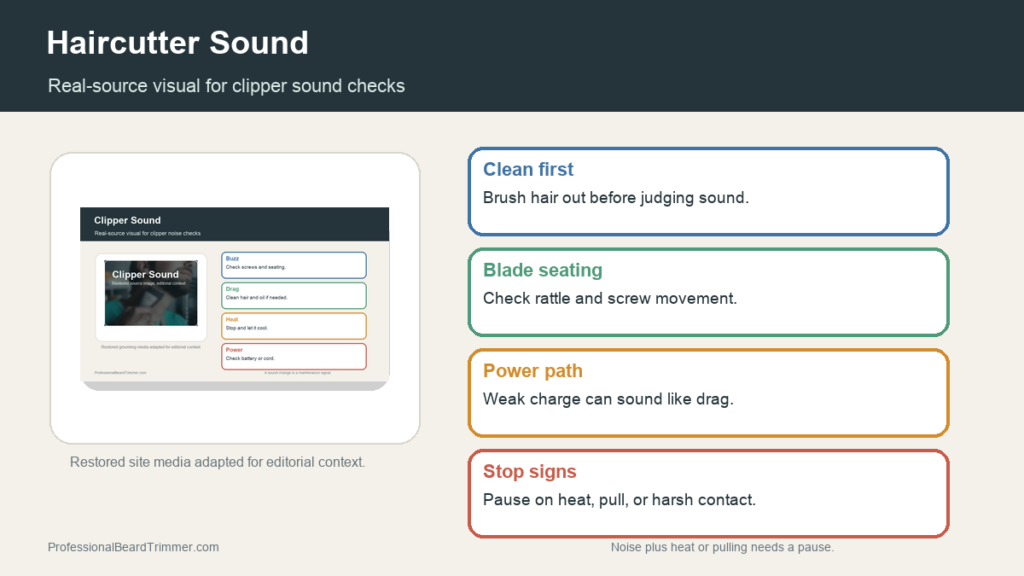
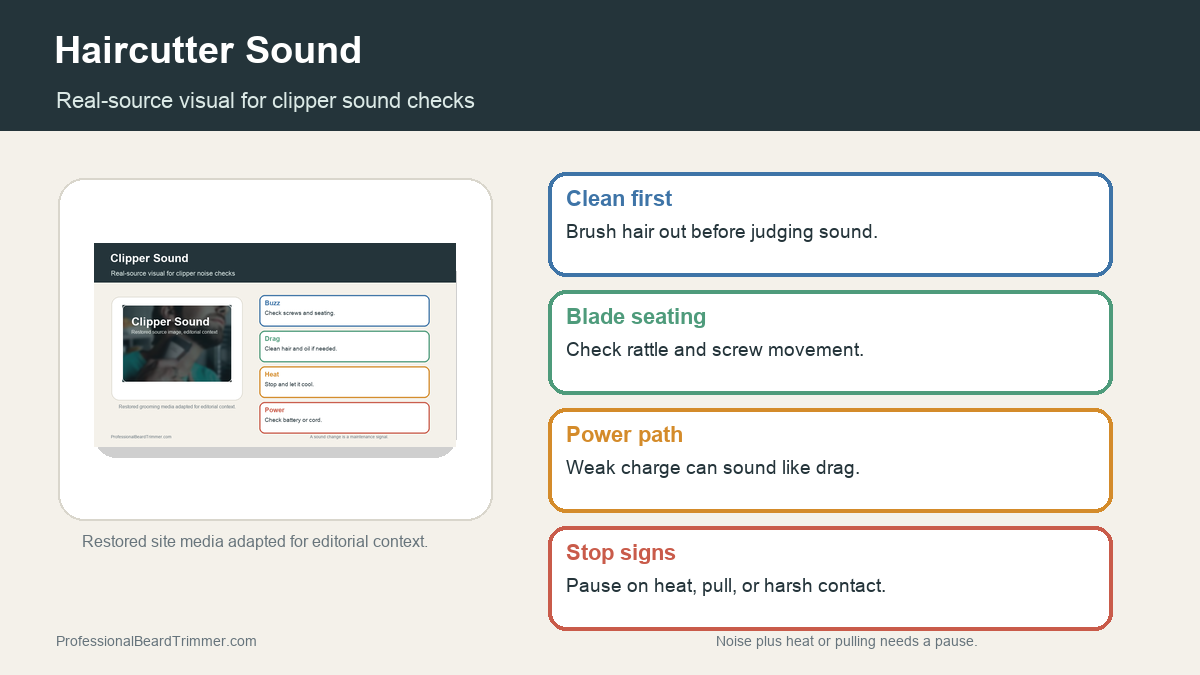
Image note: The image gives clipper-sound troubleshooting context from existing site media. It is not a sound test or proof of a specific tool fault.
Direct answer: A haircutter sound usually points to vibration, blade seating, trapped hair, guard rattle, weak power, dry blade contact, or normal motor noise. Start by cleaning the blade area, checking guard fit, confirming power, and stopping if the tool heats, pulls, or sounds harsh after basic care.
Haircutter sound checks
| Check | What to do | Why it matters |
|---|---|---|
| Steady hum | Often normal for a powered clipper or trimmer | Compare only after the blade area is clean |
| Rattle | Check blade seating, screws, and guard fit | Loose parts can change cutting feel |
| Buzz change | Brush hair from the teeth and cutter channel | Packed hair can make the motor work harder |
| Weak sound | Check charge, cord fit, or power path | Weak power can mimic a dull blade |
| Harsh sound | Stop if noise comes with heat, pulling, or scratchy contact | Unsafe feedback needs inspection before more passes |
How to troubleshoot clipper noise safely
- Turn the tool off. Do not inspect the blade area while the cutter is moving.
- Brush out trapped hair. Clean the teeth, blade channel, and guard before judging the sound.
- Check blade seating. Look for a loose blade, uneven seating, or obvious screw movement.
- Test without the guard. If safe to do so, listen briefly without a guard to separate guard rattle from motor sound.
- Stop on heat or pulling. Do not keep cutting if the sound comes with heat, tugging, or rough skin contact.
Noise diagnosis checklist
- Clean blade area: Removes the most common source of changed clipper sound.
- Secure guard: Prevents avoidable rattling and uneven passes.
- Stable power: Keeps the motor from dragging under load.
- Stop signs: Heat, pulling, and harsh contact mean the check is not finished.
For related reference pages, compare the clipper sound troubleshooting guide, the open vs closed clipper guide, and the clipper lever position guide.
Frequently asked questions
Why does my haircutter sound loud?
A loud haircutter can be normal, but it can also come from trapped hair, loose blade seating, guard rattle, weak power, dry contact, or forcing the tool through too much hair.
Is a rattling clipper unsafe?
A slight guard sound can happen, but a new rattle with heat, pulling, or uneven cutting should be checked before more use.
Can cleaning change clipper sound?
Yes. Brushing trapped hair from the teeth and blade channel can reduce drag and make the motor sound steadier.
When should I stop using a noisy trimmer?
Stop if the sound comes with heat, pulling, sparks, odor, visible damage, or scratchy skin contact after basic cleaning.
