
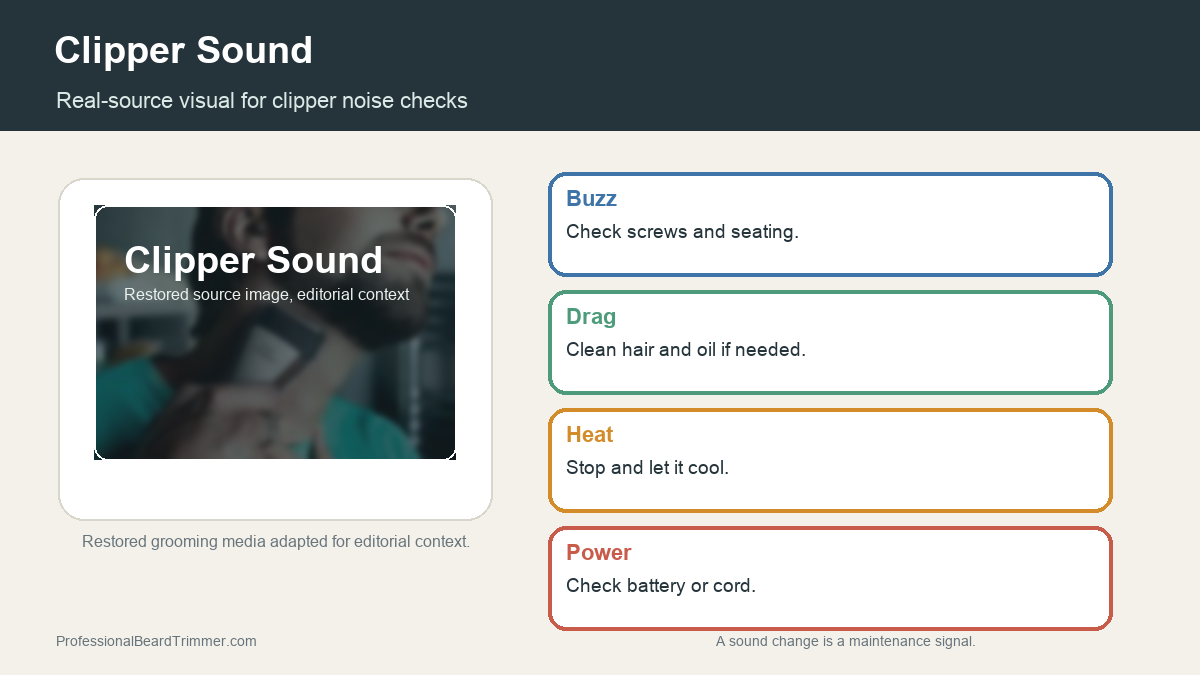
Disclosure: This site may use affiliate links. Product specifications should be checked against manufacturer or retailer pages before purchase.
Editorial update, June 19, 2026: This recovered page was rebuilt as a practical men's grooming guide using restored old-site media. It does not claim direct barber work, lab measurement, retailer offer data, or availability.
Image note: The image gives restored maintenance context. It is a troubleshooting aid, not proof of a specific tool diagnosis.
Direct answer: A clipper should sound steady, not harsh, uneven, or strained. Loud buzzing, rattling, dragging, or sudden pitch changes can point to loose parts, dirty blades, dry blades, poor alignment, weak power, or hair packed around the cutter.
Clipper sound troubleshooting checks
| Check | What to do | Why it matters |
|---|---|---|
| Loud buzz | Check screws, blade seating, and tension | Loose parts can vibrate |
| Rattle | Stop and inspect the blade area | Rattling can mean something is not seated correctly |
| Dragging sound | Clean hair from the blade and oil if needed | Dry or clogged blades can pull |
| High pitch | Let the tool cool and check for friction | Heat and friction change sound |
| Uneven motor | Check power source or battery level | Weak power can make cutting inconsistent |
How to troubleshoot clipper noise
- Turn the clipper off. Stop using the tool if the sound changes suddenly or feels harsh.
- Brush away hair. Remove packed hair from the blade, guard, and hinge area.
- Check blade seating. Look for loose screws, crooked alignment, or a blade that is not sitting flat.
- Oil as needed. Apply clipper oil according to the tool's care needs and wipe away excess.
- Test briefly. Run the clipper for a short moment and stop if noise, heat, or pulling continues.
Clipper sound maintenance checklist
- Steady tone: Usually signals normal operation.
- Rattle: Needs inspection before continued use.
- Dragging: Often points to cleaning, oiling, or blade condition.
- Heat plus noise: Means you should stop and let the tool cool.
For related reference pages, compare the cleaning and oiling guide, the trimmer pulling guide, and the clipper lever guide.
Frequently asked questions
Why is my clipper making a loud buzzing sound?
A loud buzz can come from loose screws, blade vibration, dry blades, or parts that are not seated correctly. Stop and inspect the blade area before continuing.
Why does my clipper sound like it is dragging?
Dragging often points to hair buildup, dry blades, weak power, or dull blade condition. Clean the blade area and oil the tool if its care instructions require it.
Is clipper noise dangerous?
Noise is not automatically dangerous, but sudden rattling, heat, pulling, or uneven vibration means you should stop and inspect the tool before using it on skin.
Can oil reduce clipper noise?
Clipper oil can reduce friction-related noise when the blades are dry. It will not fix broken parts, poor alignment, or a failing motor.
