
Disclosure: This site may use affiliate links. Product specifications should be checked against manufacturer or retailer pages before purchase.
Editorial update, June 18, 2026: This recovered maintenance page has been refreshed for clearer troubleshooting steps and search extraction. It is not a lab repair test, warranty instruction, or replacement for the current product manual.
Quick Fix Summary
This page is best used as a practical troubleshooting and maintenance guide for Beard trimmer grooming tools. Start with power, cleaning, oiling, guard fit, and blade condition before assuming the trimmer needs replacement.
Step-by-Step Checks
- Check the power source: Confirm the trimmer is charged, the cord is seated correctly, or the battery is fresh before diagnosing the blades.
- Clean the blade area: Brush away trapped hair and debris around the cutter and guard so the blade can move freely.
- Oil the moving blade: Apply a small amount of clipper oil where the moving blade contacts the fixed blade, then run the tool briefly.
- Inspect guards and alignment: Check that guards, combs, and blade alignment are not bent, loose, or installed incorrectly.
- Stop if heat, noise, or pulling continues: If the trimmer still pulls hair, overheats, or sounds rough, stop using it until the blade or motor can be checked.
FAQ
What should I check first when a trimmer pulls hair?
Check for trapped hair, a dry blade, a loose guard, weak battery or power, and worn blade teeth before replacing the trimmer.
Can every beard trimmer be rinsed under water?
No. Rinse only when the current manual says the exact model supports water cleaning. Otherwise use dry brushing.
When should I stop using the trimmer?
Stop if the tool overheats, makes a grinding sound, tugs after cleaning and oiling, or has a damaged cord, blade, or battery.
Related guides: How to Clean and Oil a Beard Trimmer | Trimmer vs Clipper vs Shaver | Beard Trimmer Buying Guide
While some beard trimmers can last for decades, others just die out after usage of few months. The users who can maintain their beard trimmer looks out for signs of problems even before they show up and damages the device. It can happen that the expensive ones do not last a long time. It is because of negligence of the user thinking that they spent so much money on it why should they have to upkeep with maintenance. On the other hand, some users who have a low budget, takes proper care to increase the longevity of their beard trimmers and they become successful at doing that. Here are 3 subtle signs that you should notice to avoid product from completely damaging.
Related articles about 3 Subtle Signs that Your Beard Trimmer Could Have a Problem
Beard Trimmers to Buy for a Traditional Full Bearded Look
Wahl Rechargeable Beard Trimmer Model 9916-817
Panasonic ER GB80 S Beard Trimmer Review
The beard trimmer getting hot
It can happen like all other days, you are taking out the beard trimmer and start trimming. You notice after a while it starts to get hot. It never happens with your device so it is a matter to worry. Therefore, that could be a sign that something is surely. You can do one thing that is ignore the warmth and carry on with the grooming session. Later on, leave it for cooling before storing away in the pouch. The other thing you can do is find out a solution to the problem. The second option is better than the first because in that way, you can increase the lifespan of your device. Here are the reasons why they got so find out what is wrong with your trimmer.
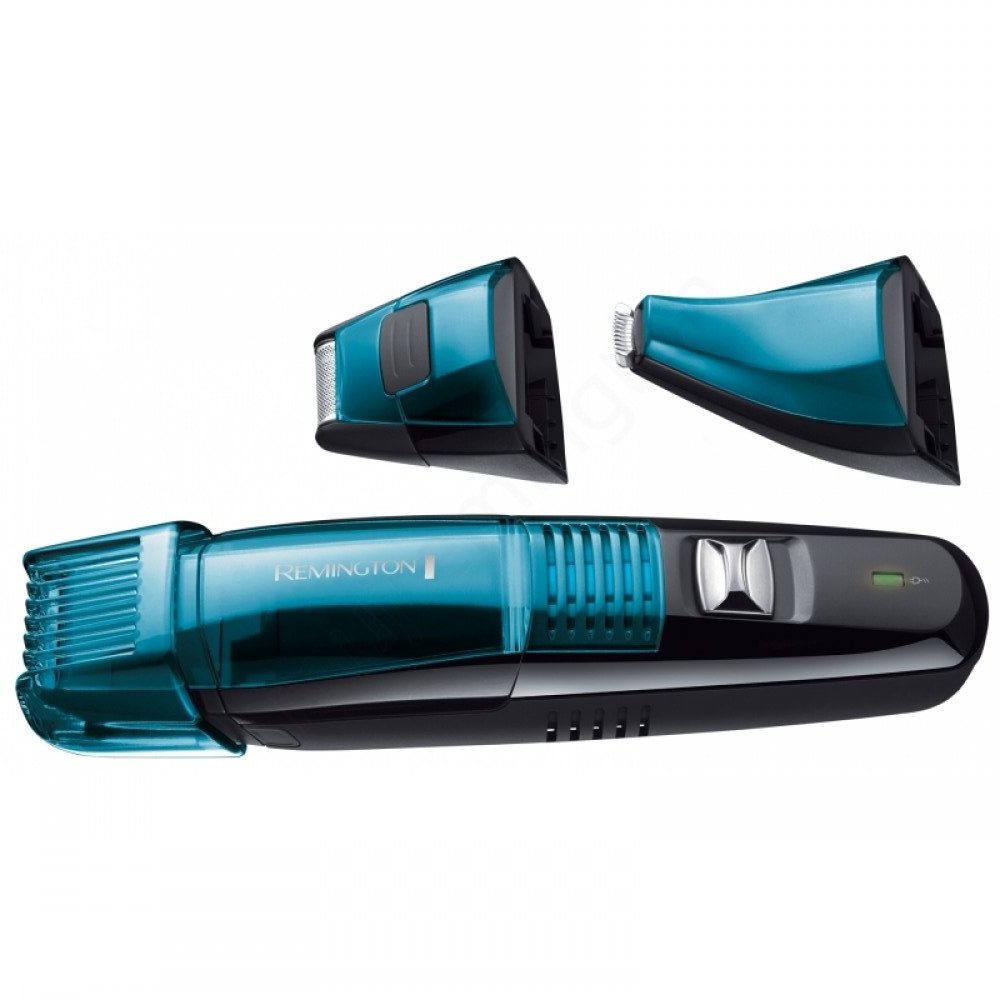
• Hair can be stuck within the blades so use the cleaning brush to clean them before storing away.
• The blades could need oil so lubricate them using a few drops or according to the instructions of your respective trimmer
The battery is dying quickly
It can happen that you recharge the device according to the time mentioned. If it requires a charging of 60 minutes, you do that, for 15 hours you also do that but the problem lies when you unplug and use it as a cordless one, the power just goes out. It seems like you did not even charge it. Cordless ones are supposed to have a lot of power to trim beards effectively. It will be a big disappointment for the user if this happens. Thus, there are solutions to the problem
• Check the manual for troubleshooting
• Find out if the battery is broken or damaged
• Contact the manufacturer or the store from where you bought and ask for replacement or repair
• Use a corded one if the cordless rechargeable ones seem to be a hassle to you
You lost the manual of the beard trimmer
You want to know something such as how to add an attachment that you are being unable to fit onto the tool. Grab the manual. If you have lost the manual of your gadget, do not worry. You can always check them online or in their official website for instructions. To avoid this problem, you can keep the instructions booklet in a safe place with all other important papers since the first day you get the beard trimmer. Do not try to do force any parts onto the trimmer.
