
Disclosure: This site may use affiliate links. Product specifications should be checked against manufacturer or retailer pages before purchase.
Editorial update, June 19, 2026: This recovered page was rebuilt as a practical men's grooming-tool guide using restored or current site media. It avoids firsthand-use claims, live shopping data, stock-status statements, score claims, and brand-owned imagery.
Image note: The image gives power-troubleshooting context from existing site media. It is not repair proof, warranty guidance, or exact battery documentation.
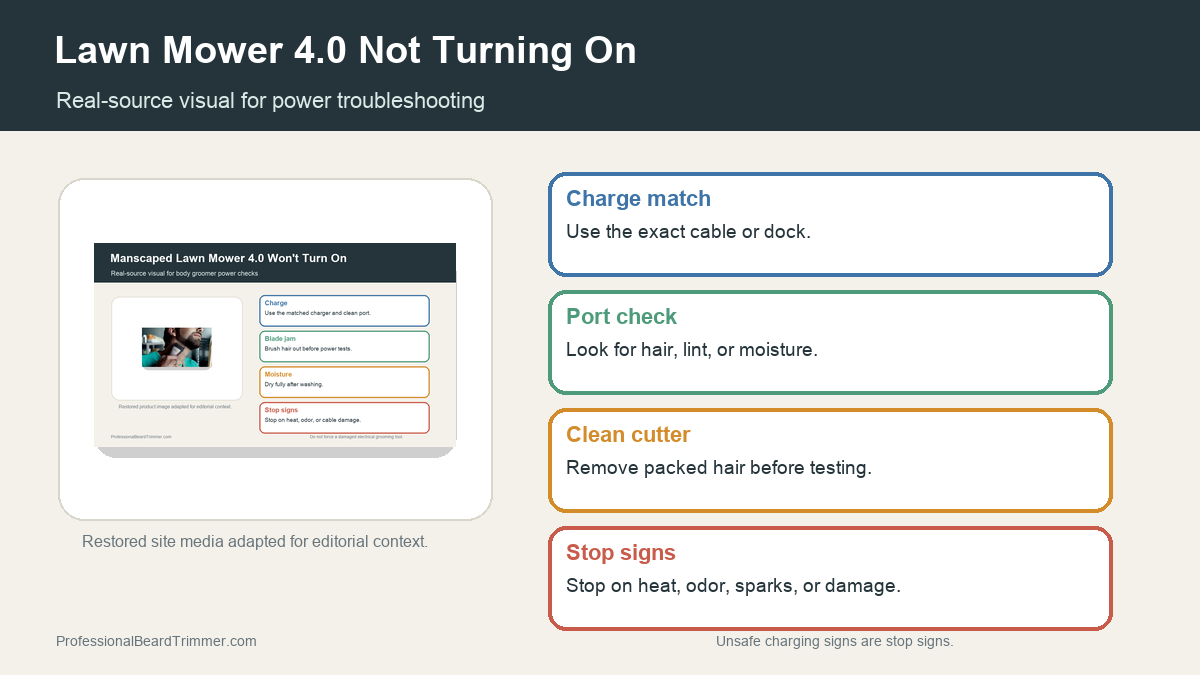
Direct answer: If a Lawn Mower 4.0 is not turning on, start with safe basics: use the matched charger, inspect the port for debris or moisture, brush trapped hair from the blade area, let the tool dry fully, and test the button without forcing it. Stop on heat, odor, swelling, sparks, or visible cable damage.
Lawn Mower 4.0 power checks
| Check | What to do | Why it matters |
|---|---|---|
| Charge path | Use the matched cable or dock for the exact tool | A mismatched connector can fail or damage the port |
| Port condition | Look for lint, hair, moisture, or bent contact points | Debris can prevent clean charging contact |
| Blade area | Brush packed hair from the cutter before testing | Trapped hair can make a weak motor stall |
| Dry state | Let the groomer dry fully before another charging attempt | Moisture and charging do not mix safely |
| Stop signs | Stop on heat, odor, swelling, sparks, or cable damage | These signs need support or replacement rather than repeated charging attempts |
How to troubleshoot a groomer that will not power on
- Check the charger match. Use the cable, dock, or adapter intended for the exact tool label.
- Inspect the charging port. Look for lint, hair, moisture, bent contacts, or a loose connector fit.
- Clean the cutter area. Brush hair from the blade area so the motor is not starting against packed debris.
- Let the tool dry. Do not charge a damp groomer; leave it dry before trying again.
- Stop on unsafe signs. Do not keep charging if the tool or cable gets hot, smells unusual, swells, sparks, or shows visible damage.
Safe stop checklist
- Matched charger: Reduces connector and charging-path problems.
- Clean port: Helps the charging contact seat correctly.
- Clean cutter: Keeps packed hair from stalling the motor.
- Support route: Use manufacturer support when damage or battery failure is possible.
For related reference pages, compare the Manscaped 4.0 power guide, the Lawn Mower 3.0 vs 4.0 guide, and the grooming charger safety guide.
Frequently asked questions
Why is my Lawn Mower 4.0 not turning on?
Common safe checks include a low battery, mismatched charger, debris in the port, trapped hair near the blade, moisture, a button lockout, or internal battery failure.
Can packed hair stop a body groomer from starting?
Yes. Packed hair around the cutter can add resistance and make a weak motor stall, so brush the blade area before judging the battery.
Should I keep charging if the tool gets hot?
No. Stop charging if the tool or cable gets hot, smells unusual, sparks, swells, or shows visible damage. Use support or replacement guidance instead.
What if cleaning and charging do not work?
If safe charging, port inspection, drying, and cleaning do not restore power, use the brand support route rather than opening the battery area.
